Google Merchant Center Feed Optimisation for Shopify: Your 2026 Guide
3 September 2026 Blog Posts
This guide will cover what actually moves the needle when it comes to Shopify product feed optimisation in 2026, based on the areas I’d prioritise first. The key mental model is simple: the feed is the product; ads and free listings are simply the surfaces that read it.
When it comes to feed optimisation, the bottom line is that every surface is only as strong as the product data behind it. Fixing something as simple as a product title in the feed can improve its visibility across multiple Google surfaces at once. As a Senior SEO Project Manager at Megantic, I bring over a decade of SEO experience, with specialised expertise in technical eCommerce SEO. I’ve worked extensively with Shopify stores and product feeds, helping retailers strengthen their technical foundations and maximise visibility across Google’s shopping ecosystem.
My biggest takeaway? Get your foundations right. Product feeds are often treated as something that can be set and forgotten, but they play a much bigger role than that. The feed is the product as far as Google is concerned, with free listings, Shopping ads, Performance Max, Images, Lens and YouTube Shopping all relying on the same underlying data. Fix an issue in the feed, and you have the opportunity to improve your visibility across all of these surfaces at once.
I regularly deliver content sessions on technical SEO and eCommerce, and if your business has an SEO or AI Search question, my team and I would be happy to help. But the best thing you can do for your business right now is to make sure you understand this content!

How Google Merchant Center works in 2026
Free product listings, Shopping ads: Organic Shopping tab, Search, Images & the Shopping graph. No cost. The paid product cards in Search and the Shopping tab. Driven entirely by feed quality.
Performance Max: Blended campaigns using the feed across Search, Shopping, YouTube, Google Images, Lens, YouTube Shopping and the Google app all pull from Display, Gmail & Discover – where most feeds are monetised.
Shopping ads: The paid product cards in Search and the Shopping tab.
Other surfaces: Google Images, Lens, YouTube, Shopping and the Google app all pull from the same feed.
Four Layers in Shopify Merchant Center Data Pipeline
Note: If a product is disapproved or invisible, it’s almost always one of these. Nail the fundamentals before advanced work.
|
Layer |
What it is |
When to use it |
|
1 Shopify product fields |
Title, description, vendor, price, compare-at, images, variants, status |
The source of truth. Fix here whenever the client can maintain it — it feeds every channel. |
|
2 Shopify metafields |
Structured attributes (colour, size, material, gender, age group, GTIN) per product/variant |
Best home for apparel attributes (colour, size, gender, age group). Exactly the Billini-style enrichment approach. |
|
3 Google & YouTube app settings |
Attribute mapping, category mapping, shipping, returns, discount sync |
Map Shopify fields to Google attributes; configure account-level shipping & returns. |
|
4 MC feed rules / supplemental feeds |
Transformations & overrides applied to the primary feed inside Merchant Center |
Bulk title templating, category overrides, custom labels, excluding products. |
|
The Attribute |
Is it required? |
What good looks like |
|
id |
Required |
Stable, unique, never reused. Leave the app to manage the Shopify variant ID. |
|
title |
Required |
Keyword-led, front-loaded. The single biggest lever. |
|
description |
Required |
First 500 characters carry the weight. Plain text — no promo, no HTML. |
|
link |
Required |
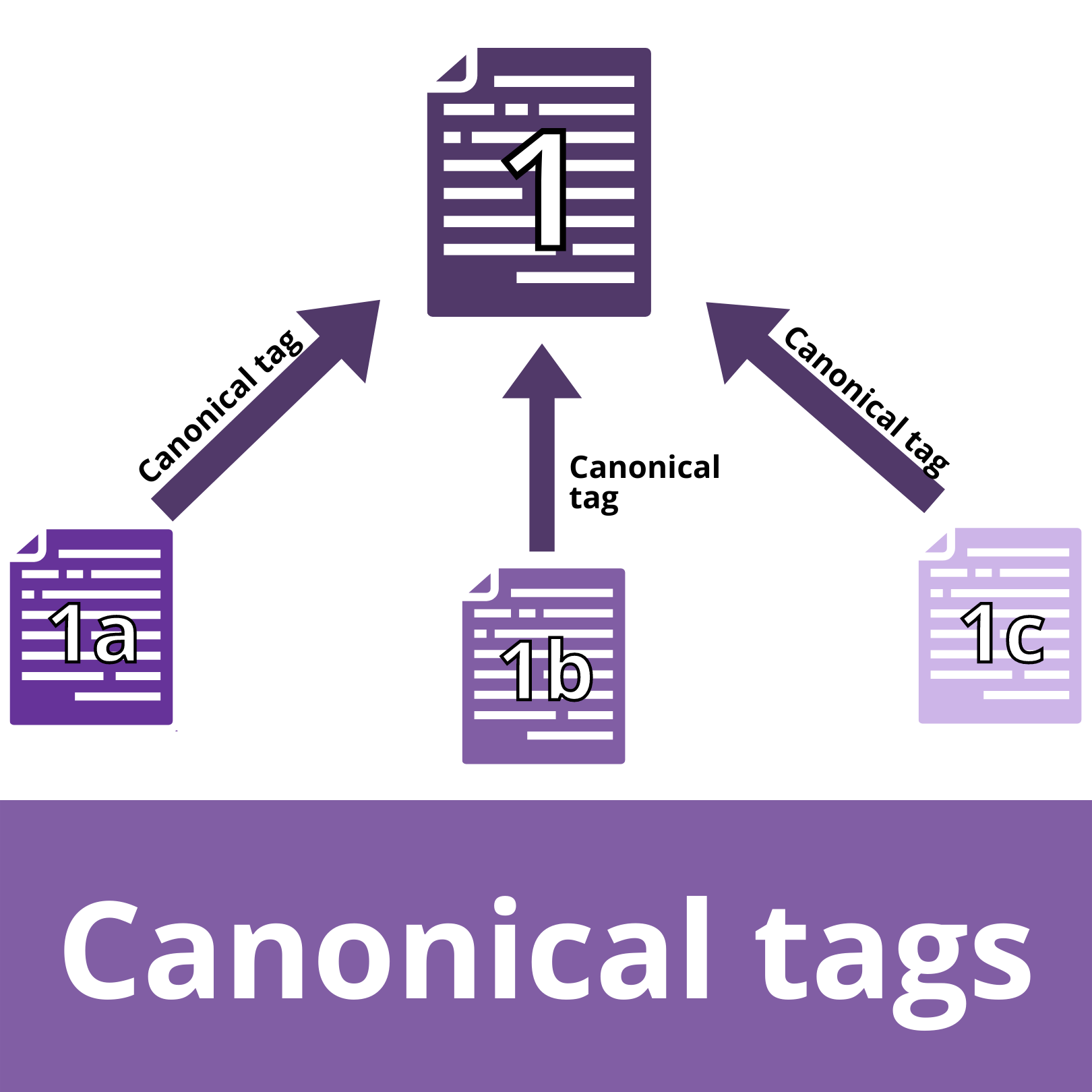
Canonical product URL, live, not redirecting. |
|
image_link |
Required |
Main image, plain background, no text/watermark. 500×500 min by 31 Jan 2027. |
|
availability |
Required |
in_stock / out_of_stock / preorder / backorder — must match the live page. |
|
price |
Required |
Match the landing page to the cent, incl. currency. Mismatch = disapproval. |
|
condition |
Required |
new for almost all retail; used/refurbished where relevant. |
|
brand |
Required* |
The manufacturer, not the store. |
|
gtin / mpn |
Cond. required |
GTIN wherever one exists. Non-fashion nearly always has one. |
|
google_product_category |
Recommended |
Google’s taxonomy. Technically optional — Google auto-assigns — but always set it: the guess is often wrong and it drives which category-specific attributes apply. |
|
product_type |
Recommended |
Your own category breadcrumb. Powerful for campaign structure & relevance. |
Titles, Descriptions & Images
Why it matters: Google matches shopper queries against the title as text. Shopify titles are written for someone already on the page, and feed titles must be written for search.
The formula differs across industries, for example fashion vs non-fashion
Build titles by concatenating structured fields: brand + gender + product_type + colour + material + size. Populate those fields on Shopify (metafields for colour/size/gender) and template the title once. That way, every product stays consistent and updates itself.
Fashion/apparel:
- Brand + Gender + Product Type + Attributes (Colour, Size, Material).
- Shoppers search by who it’s for and what it is, then narrow by colour/size. Gender and product type are non-negotiable.
Non-fashion
- Brand + Product Type + Key Attribute + Model/Size + Pack/Count
- Shoppers often search a brand + model or spec. Model numbers and specs are high-intent and belong in the title.
For example, here are worked cases of weak vs. optimised. See the difference?
|
Weak (as-is) |
Optimised |
|
Aeropress Coffee Maker |
AeroPress Original Coffee & Espresso Maker, 3-Cup, Grey |
|
Dyson V15 |
Dyson V15 Detect Cordless Vacuum Cleaner, HEPA, 60min Runtime |
|
Riedel Wine Glass 2pk |
Riedel Vinum Cabernet Wine Glass, Crystal, 2-Pack, 610ml |
Descriptions
- Front-load the first ~500 characters – what it is, who it’s for, top attributes & benefits. Google weights the opening.
- Plain text only. No HTML, no links, no promo, no ALL CAPS — Google strips or disapproves them.
- Include the attributes shoppers filter on (material, fit, capacity, compatibility) in natural sentences.
Images
You’ll need 500 x 500 px! This will be enforced from 31 Jan 2027. You should start to see warnings now.
• Main image: product only, plain/white background, fills the frame, no promo text, watermarks, logos or borders.
• Additional_image_link — up to 10 extras. Lifestyle/on-model (fashion) + detail/spec shots (non-fashion).
• Video_link (new, 2026, optional) – submit product video URLs; worth it for hero products.
Promotions & Black Friday
Sale price vs Merchant Promotions: Two different mechanisms, constantly confused. You can, and often should, run both together.
|
Sale price |
Merchant Promotions |
|
|
What shoppers see |
Strikethrough old price + ‘SALE’ |
A ‘special offer’ badge (e.g. ‘15% off with code’) |
|
Attributes |
sale_price + sale_price_effective_date |
promotion_id on the product + a promotions data source |
|
Shopify source |
Compare-at price |
Discounts (codes / automatic / collection) |
|
Best for |
Straight markdowns on individual products |
Coded / basket offers across many products |
Scheduling the ‘valid until’ – sale & promotion
Scheduled sale (sale-price-effective-date) EXAMPLE:
sale price: 199.00 AUD
sale_price_effective_date:
2026-11-27T00:00:00+11:00/
2026-12-01T23:59:00+11:00
# Runs 27 Nov 00:00 → 1 Dec 23:59 AEDT,
# then price auto-reverts. +11:00 = Sydney DST.
Promotion badge (Merchant Promotions) EXAMPLE:
promotion_id: BF26_SITEWIDE
long_title: 20% off sitewide for Black Friday
promotion_effective_dates: …27 Nov/…1 Dec
promotion_display_dates: …24 Nov/…1 Dec
coupon_value_type: percent_off
percent_off: 20
Two promotion dates teach the difference:
- promotion_effective_dates – the redemption window (when the offer can actually be used). Required.
- promotion_display_dates – when the badge is shown to shoppers. Optional; use it to tease a deal before it goes live.
*Sale price uses the compare-at price in Shopify; promotions sync from Shopify discounts.
Eligibility rules & the Black Friday runway
Eligibility rules that confuse people:
- Base price must be genuine, so for free listings valid ~30 of the last 200 days; Shopping ads (US) check ~30 days.
- Discount must be 5–90%, both prices shown on the landing page, sale price lower than base.
- Promotions need an end date and must be < 6 months old. Shopify does NOT sync free-shipping, buy-X-get-Y, in-store-only or user-specific offers.
- Shopify collection discounts sync up to 4 collections, max 250 products each — plan BF collections around that.
Black Friday Runway:
- 3 weeks to go: Confirm base prices are established (so sale prices validate), and the feed is clean & approved.
- 2 weeks to go: Build BFCM collections (≤4, ≤250 products each); set up promotions & sale schedules.
- 1 week to go: Load sale_price_effective_date & promotion dates; validate in a test; check disapprovals.
Structured data, health & troubleshooting
Clearing the return/shipping warnings
What’s actually happening is two separate systems people conflate:
- Search Console → Merchant listings: Governs organic free listings. Flags missing fields ‘hasMerchantReturnPolicy’ and ‘shippingDetails’
- Merchant Center: Separately expects account-level shipping & return policies for Shopping surfaces; nags/limits annotations without them.
Root cause on Shopify: the default theme’s product JSON-LD describes the product and offer but never includes your return or shipping policy.
How to fix? Do both, in this order:
Step 1: Set policies in Merchant Center / the app (primary fix, survives theme updates). MC → Shipping and returns → Return policies; configure Shipping settings. Create the written policy in Shopify admin too. If both markup and settings exist, Google uses the settings.
Step 2: Add the markup for organic rich results — MerchantReturnPolicy + OfferShippingDetails in the product JSON-LD (main-product.liquid) or via a structured-data app. Clears the Search Console warning at the product level.
Return and shipping JSON-LD & validation
- Run the page through Google’s Rich Results Test to make sure both fields are being picked up correctly, and there are no errors.
- In Google Search Console, check the Merchant listings report. If you see a warning, open it and select Validate Fix.
- Keep in mind that Google can take anywhere from a few days to several weeks to re-crawl a page, so the report may continue showing the warning even after you’ve fixed it. There’s no setting to hide it — it will clear once Google re-crawls the page and picks up the changes.
- Since November 2025, shipping and returns information can also be set at the property level in Search Console, so adding this information through on-page markup is no longer your only option.
Common Shopify disapprovals & fixes
|
Symptom |
Usual cause |
Fix |
|
Price mismatch |
Feed price ≠ landing page (currency, tax, rounding) |
Enable automatic item updates; check currency & tax display; re-sync. |
|
Missing GTIN |
Own-brand or blank barcode field |
Add GTIN or set identifier_exists = no + brand. |
|
Image policy violation |
‘SALE’ badge / watermark / text on main image |
Use a clean main image; move promo creative to extras or ads. |
|
Missing apparel attributes |
Colour/size/gender/age_group blank (hard disapproval in US/UK/EU markets; limits performance & eligibility in AU) |
Fill via metafields and map in the app. |
|
Availability mismatch |
Feed says in stock, page sold out |
Sync inventory; enable automatic updates/on-page microdata. |
|
Policy warnings |
No return / shipping structured data |
Set MC/app policies + add markup. |
Optimisation checklist:
Quick Wins
- Fix titles: brand + type + key attributes front-loaded (fashion: add gender); template via feed rule
- Add GTINs everywhere they exist; identifier_exists = no for own-brand
- Correct google_product_category; send product_type for every item
- Populate apparel attributes (colour, size, gender, age_group, item_group_id) via metafields
- Set account-level shipping & return policies
- Enable automatic item updates for price & availability
- Clean main images; move promo creative off them; check for sub-500px
- Set up custom labels (margin, bestseller, season, clearance)
Ongoing
- Schedule sales with sale_price_effective_date; run Merchant Promotions for coded offers
- Adopt new 2026 attributes (loyalty, handling_cutoff_time, video_link) where relevant
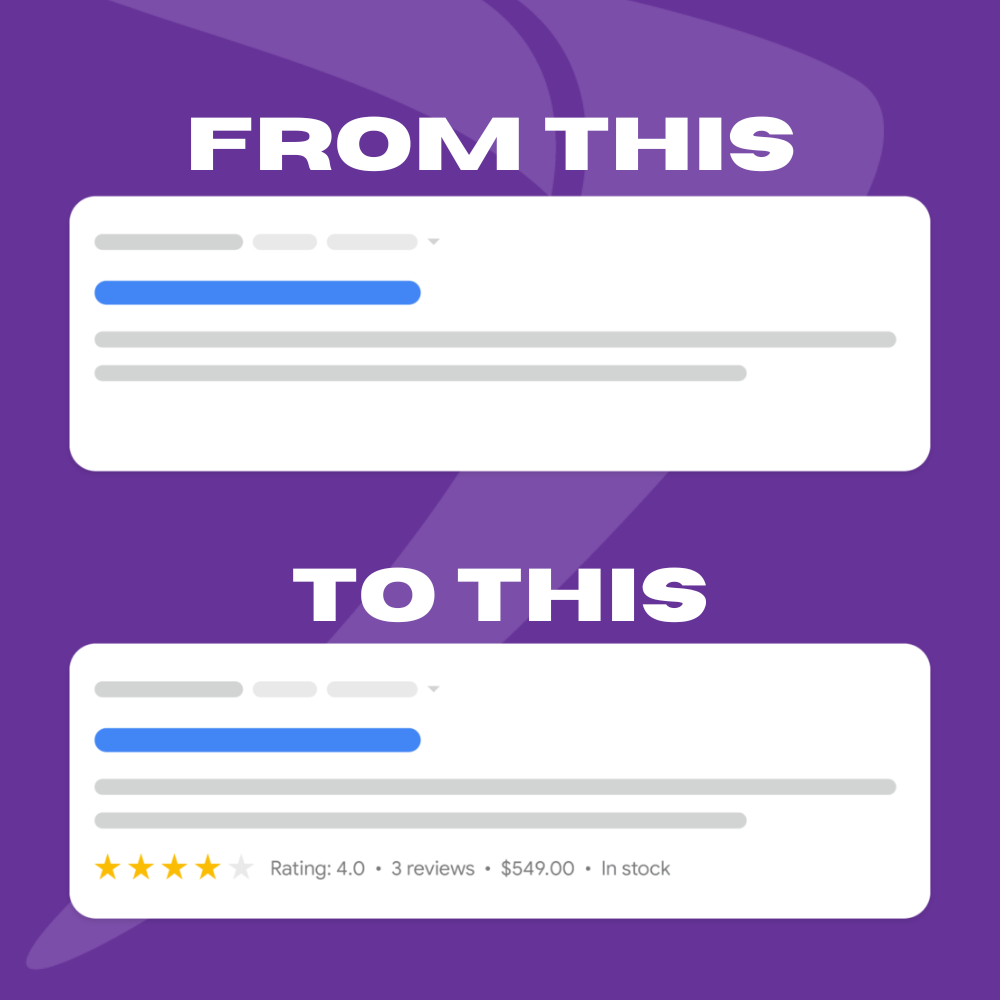
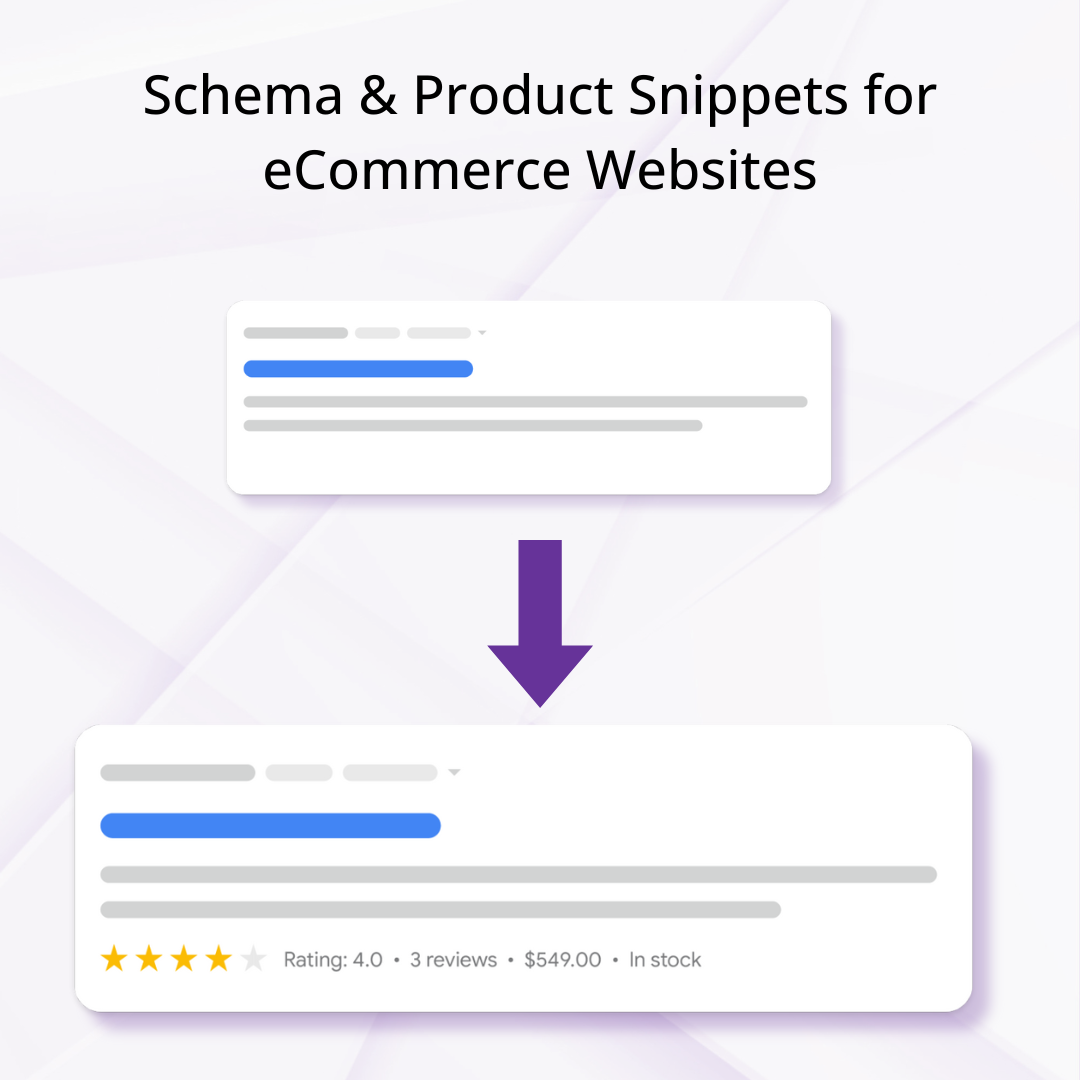
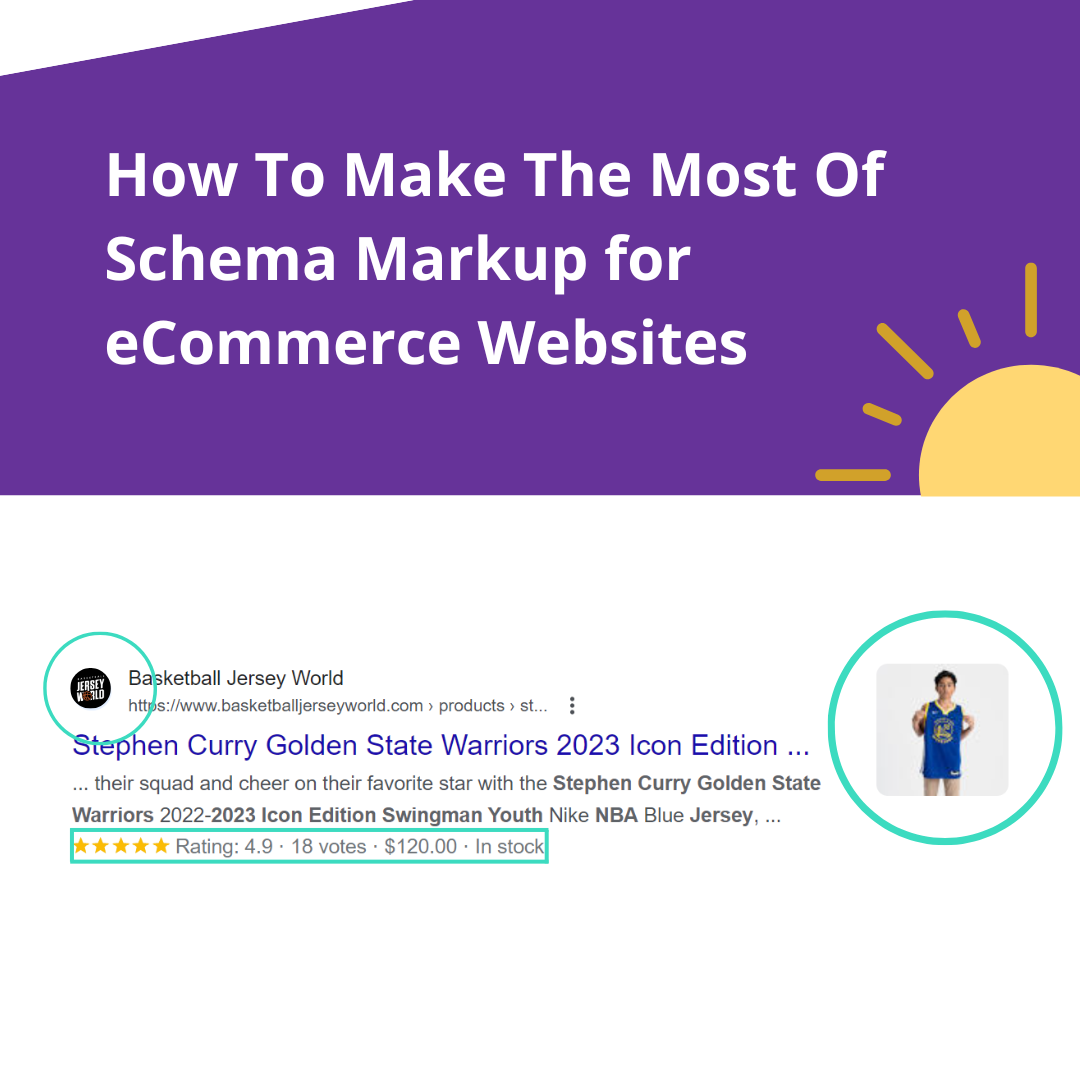
- Connect product ratings/reviews for star annotations
- Add return/shipping JSON-LD for organic rich results; validate in Search Console
- Segment Performance Max / Shopping by custom labels and product_type
- Run the seasonal Black Friday / EOFY runway
Cheat sheet
|
Term |
Plain meaning |
|
Merchant Center Next |
Current MC interface (default for all accounts). |
|
Free listings |
Unpaid product results in Search/Shopping; feed-driven. |
|
Performance Max |
Blended campaign using the feed across all Google surfaces. |
|
Primary feed |
Main product data source (for us, the Google & YouTube app). |
|
Supplemental feed |
Add-on that overrides/adds attributes to the primary feed. |
|
Feed rule |
A transformation applied inside MC (e.g. title template). |
|
item_group_id |
Groups variants of one style so they show as one product. |
|
identifier_exists |
‘no’ tells Google the product legitimately has no GTIN. |
|
sale_price_effective_date |
The start/end ‘valid until’ window for a scheduled sale. |
|
Merchant Promotions |
Coded/basket offers shown as a ‘special offer’ badge. |
|
hasMerchantReturnPolicy |
Structured-data field describing your return policy. |
|
shippingDetails |
Structured-data field describing shipping cost & speed. |
|
Merchant listings report |
Search Console report for organic product eligibility & warnings. |
|
google_product_category |
Google’s fixed taxonomy that drives required attributes. |
Further Reading
Want to go deeper into Shopify product feeds and Google Merchant Center? These Google resources are a useful reference for keeping your product data, shipping, returns and promotions up to date:
- Merchant Center product data specification updates — Stay across the latest changes to Google’s product data requirements and attributes.
- Merchant Return Policy structured data — Learn how to communicate return policies to Google using structured data.
- More ways to share shipping and returns policies with Google — Understand the latest options for sharing shipping and returns information.
- Set up return policies for Shopify — A practical guide to configuring return policies for Shopify stores.
- About sale prices and promotions for Shopify — Understand how sale pricing and promotions are handled in Merchant Center.
- Promotion start date — Google’s guidance on setting promotion effective dates.
- Promotion display dates — Learn how to control when promotions appear to shoppers.