The Not So Smart Collections Are Finally Gone
20 July 2026 Blog Posts
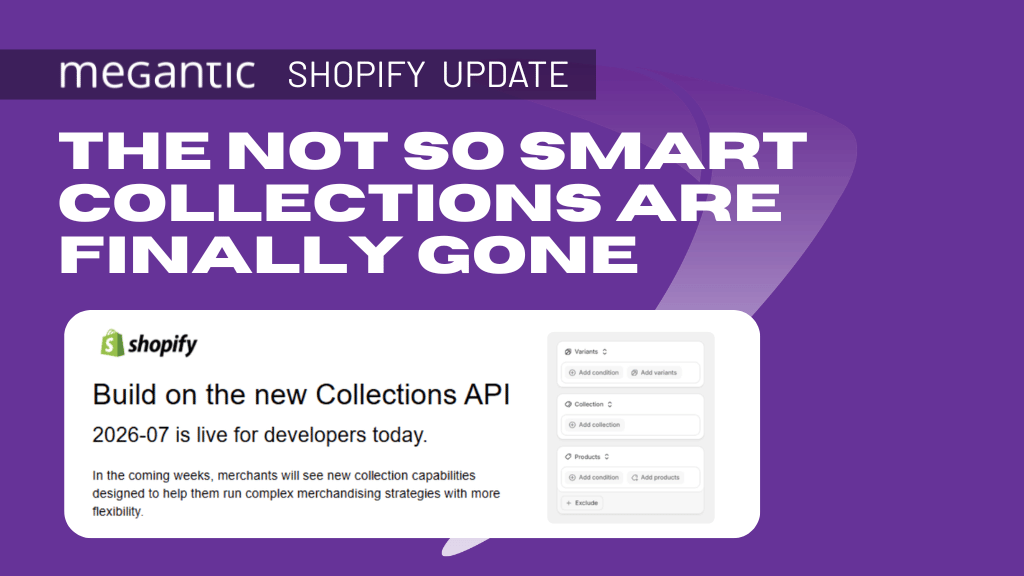
In case you didn’t hear, Shopify has officially rolled out its new Collections experience, removing the distinction between Manual and Smart Collections; finally, we don’t have to battle with our clients to convert to manual collections.
After spending some time testing it on a development store, I wanted to share some thoughts on what’s changed, what I really like, and one area that I think still needs some work.
Shopify officially announced the change on the 8th of July through their app development and partners network. We were the lucky ones to receive this acknowledgment at an early stage.
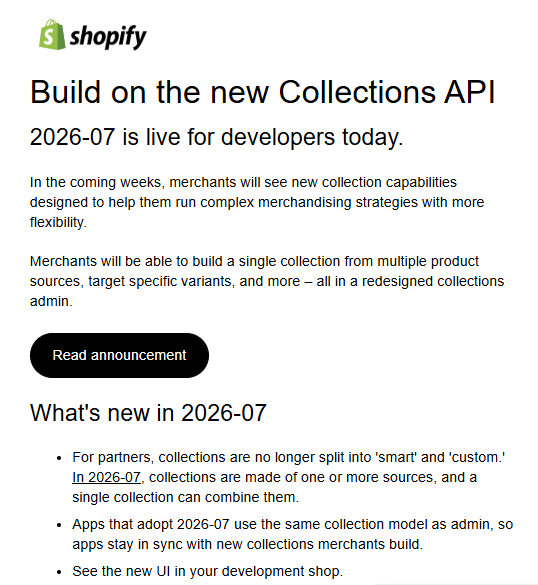
With the new Shopify Collection API, merchants have the flexibility of running complex merchandising strategies. Finally, merchants can build collections that match merchant intent. In this post we take a look at what the changes are like for our client accounts.
What are Smart Collections and What’s Actually Changed?
If you’re new to the Shopify Platform, a smart collection is a grouping of products defined by rules that are set by the merchants. Shopify automatically changes the contents of a smart collection based on the rules. By default, a store can have up to 5000 smart collections.
With the new layout the first thing you will notice is that collections now share the same UI whether they were previously a Manual or Smart Collections. Rather than choosing between a Manual or Smart Collection, every collection is now built from one or more Sources. These can include, but not limited to:
- Products
- Product Type
- Variants
- Collections
- Apps
- Tags
- Metafields
If an existing collection was previously manual, it retains its manually assigned products. If it was previously smart, it retains its conditions. From there, both can now be expanded using any combination of available sources.
Now you can add multiple sources per collection, and you can combine rule-driven sources with hand-picked products in one collection, with full and/or logical and exclusion conditions.
New Collection UI:
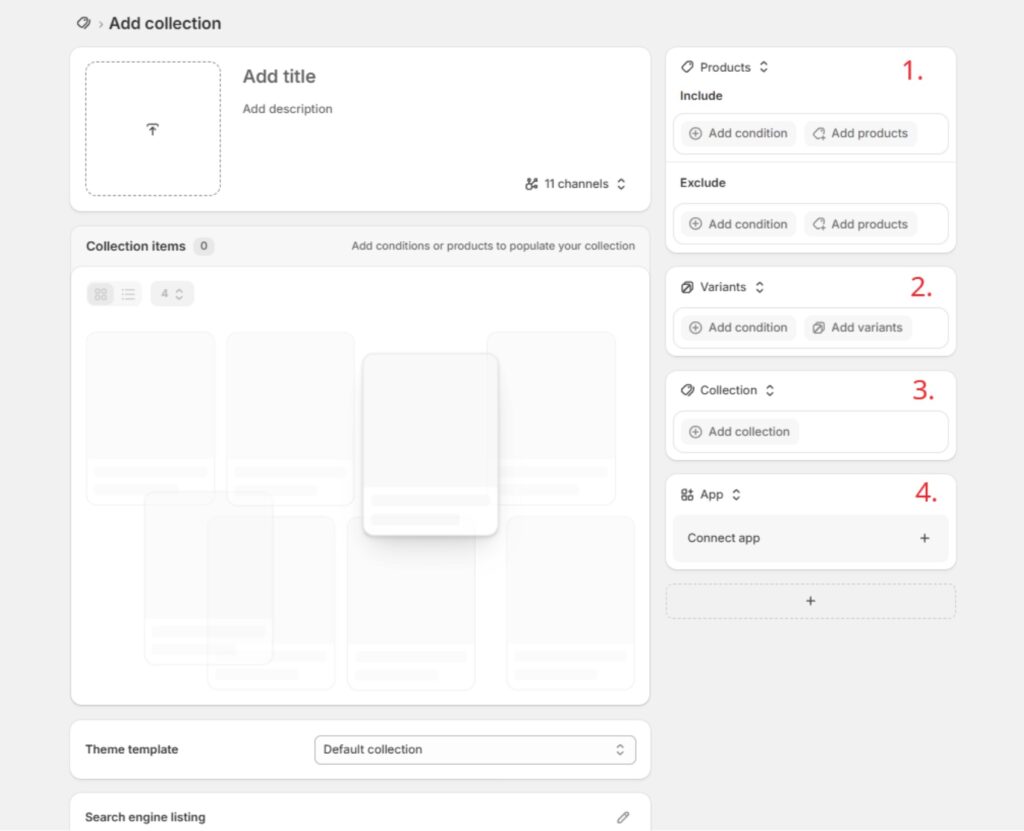
The first thing people may ask is how can I add products manually?
It needs to be done within one of the “condition cards” on the right. We will try to describe how to actually use the condition cards and pick the sources to our early understanding.
1. Products (closest to previous Smart Conditions).
This will be familiar territory for anyone who has used smart collections previously. All of the same conditions are found here (Product Type, Tags, Metafields, etc.).
The difference being that you can now manually add products using the “Add products” button on the lower right-hand side. Another handy feature is you can now add filters within your manual product search. This is an amazing addition to the choice of features.
Previously, if you set smart rules and some products did not belong in them, you would end up with the wrong products assigned to the wrong collection. This was always the battle, and why we used to say, “Smart collections are not so smart.” You always have products that don’t belong there, and others that you cannot assign within the rules.
You always need that mixture where you can still add some products manually, because some products might belong in a collection but aren’t covered by the existing rules. Sometimes the rules could grow up to 20 per collection, which was crazy. That’s why we didn’t really enjoy it; we were always missing products, or ended up with products in collections where they weren’t supposed to be.
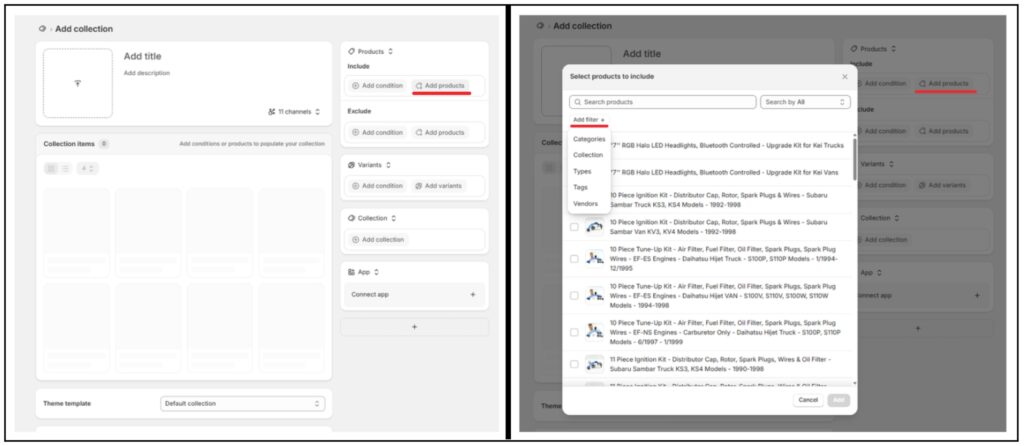
Another new feature is the “Exclude” option, which acts as an improved version of the previous smart condition “Does not include”. It’s a small change but improving the nomenclature used in the platform will certainly help UX.
Shopify at the minute will only allow you to select from Category, Tag, Type, and Vendor.

Something we see a lot of in the community are retailers requesting the ability to use an AND and OR in the same condition as you would in programming; however, currently, you may only pick AND or OR. And we hope to see that combined option in the Shopify Dev near future.

2. Variants and 3. Collections
These are two new ones and against my best efforts, I’ve run into some dead ends getting them to work as described by Shopify Product docs.
Collection as a source was touted as a way to make an easy “subcollection” (although there’s still no hierarchical difference when it comes to the URL structure). If you select a collection as a source you are then supposed to be able to further filter those products to make it easier.
For example, if you start with the Men’s Shirts collection as starting condition, and then filter anything with “T-Shirt” in the title, the idea is that then only T-Shirts from that “source collection” would be pulled in.
However while testing I found that it unfortunately isn’t currently functioning that way.
In the screenshot below you’ll see that I have created a collection named Honda Acty Battery Covers. The first condition is set as a Collection source which is Honda Acty Accessories – products from the chosen collection are being pulled into this new collection as a starting point.
I then selected my next condition to be a Product source with the condition being “Tag includes Battery Cover”. The idea being that any Battery Covers in the Honda Acty Accessories source collection will be included.
This is where something is falling through the cracks. Looking at the screenshot, you’ll see several of the first products displaying are incorrect (underlined in red).

As you can see, several of these products are for Daihatsu, Suzuki, Mitsubishi, etc. One product is correct in that it’s a Factory Manual for Honda Acty, but it definitely isn’t a battery cover.
So, I believe what’s happening here is that there is no longer a way to choose between “All conditions” or “Any condition” as you could with the previous Smart Collection UI.
In this case, it appears the sources default to, and only use “Any Condition”, as the products being pulled in are from the Honda Acty Accessories collection AND have the Battery Cover tag as opposed to being able use the product condition to further filter the products as you would want in a subcollection.
The same is true using Variants as a source. Trying to make a Red Window Tint collection, I attempted to use a collection as a source (Window Tint), and then use Variant as my second source (if the variant contains “Red”).
However the same occurred, all products from the Window Tint collection populated as well as any variant with red in the title, not just variants already contained within the Window Tint source collection.
This is something that needs to be addressed. In my opinion adding an “AND” or “OR” condition between your sources would do a lot of heavy lifting, as currently having All Conditions apply without a way to change it is arguably less functional than the previous version of smart collections.

4. Apps
This is a new feature where you can directly connect an app as a source for products. I imagine as things like Collective and other similar ideas mature, it will be an easy way to sell products on your site that aren’t a physical part of your catalogue.
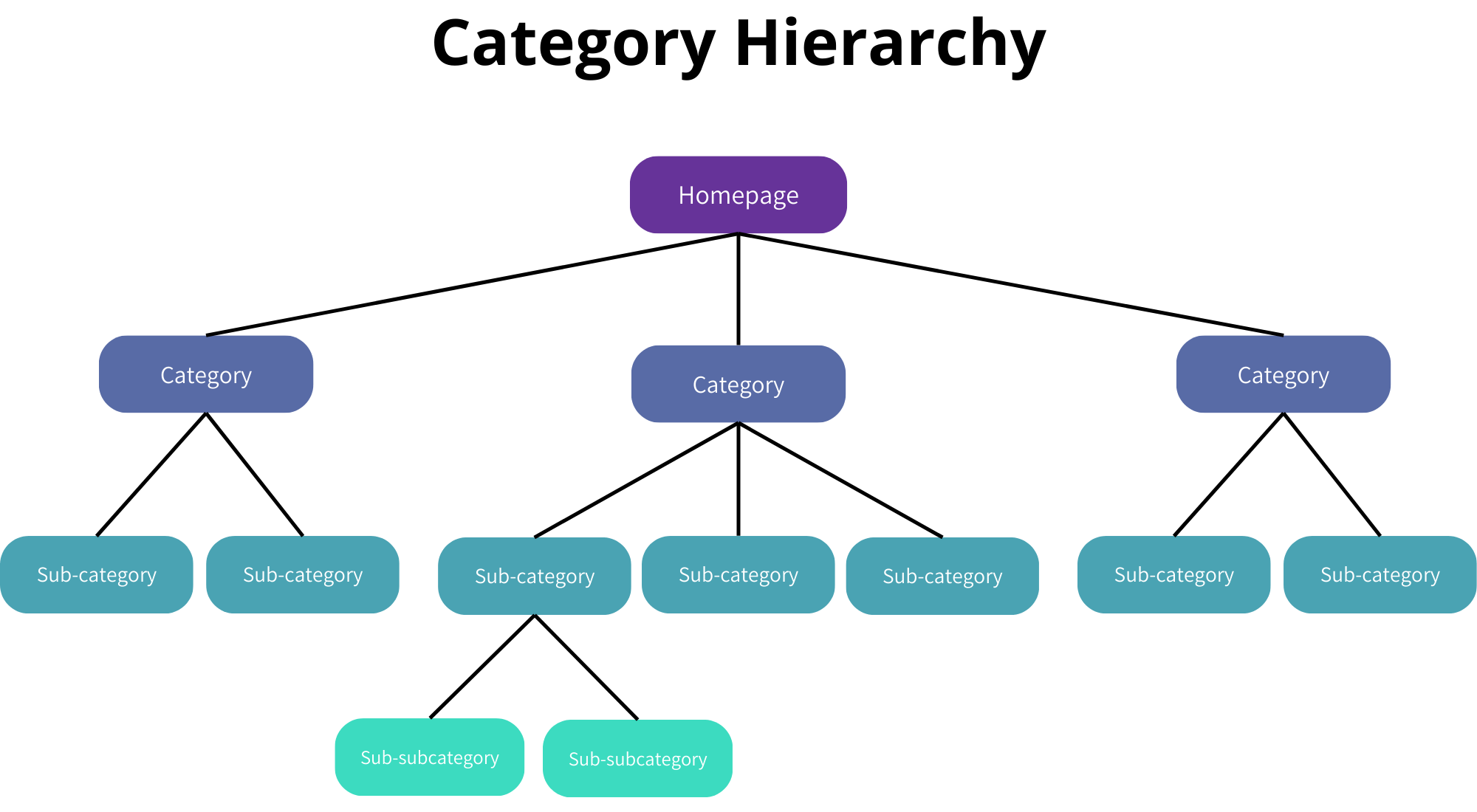
Building Hierarchy in Shopify
True hierarchical URLs and breadcrumbs communicate site structure to search engines and users alike. Platforms with real category trees get that for free.
Hierarchies are important to us and we’ve even built Shopify Apps that transform client sites into organised tags and tree-like structures; having a tagging system that organises products into groups, means we can create as many as we like and helps Google and AI technologies make sense of our website.
In this Shopify collections overhaul, what we didn’t see is the ability to build a hierarchy and the ability to organise your tags in a meaningful way. Breadcrumbs are also still missing as a solution.
So, while it still seems like a big improvement for the merchants to a certain degree, on the other side, it is still lacking some serious features that we need for better user engagement and better product discovery within the Shopify environment.
Because of this, I still believe the main problems that Shopify has within collections are not solved.
Overall thoughts
Overall, I think this is a substantial improvement to Shopify’s collection experience or if I can say we have more options now to build collections right.
Having manual products, automated conditions, exclusions and additional source types all within a single interface feels much cleaner than maintaining separate Manual and Smart Collections.
The Product Source in particular is a significant usability improvement. And my biggest reservation is around how multiple sources currently interact. If Shopify eventually introduces a way to intersect or chain Sources together, I think this could become an incredibly flexible merchandising system.
What we cannot answer right now is whether their replacement is actually smarter and easier to use by the average user. I’ll continue to monitor these Shopify updates.
I’m curious whether anyone else has been testing the new Collections model. Have you found the same behaviour with Collection and Variant Sources, or have you discovered workflows our team missed? Let us know!